
Design your certificates. Issue a whole batch.
Choose a design from the template library, add your logo and participant names, then issue your certificates together. Download PDFs or send certificate links to recipients.
100 free certificates every year. No card required.
Issue your trainees’ certificates in three steps
Upload your trainee list
Add trainee names from an Excel or CSV file. Atharix flags errors and duplicates so you can correct them before saving the list.
Customize and preview the design
Choose a template and add your logo and certificate text. Preview the names on the design and check that they fit before approving the certificates.
Issue and send the certificates
Issue each trainee a certificate with a verification QR code. Download the PDFs or email the links to trainees who agreed to receive them.
Different designs for different occasions
Graduation, appreciation, attendance and completion certificates in classic and modern layouts. Browse the collection, then choose a template from the library and customize the text, logo and colors.

Classic diploma 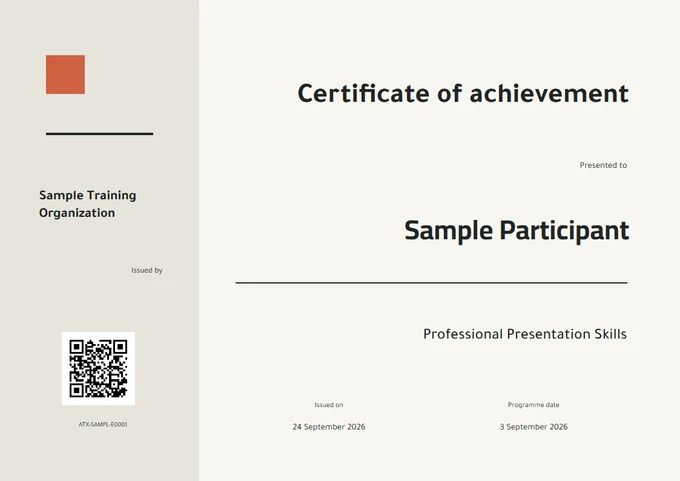
Editorial typography 
Midnight gold award 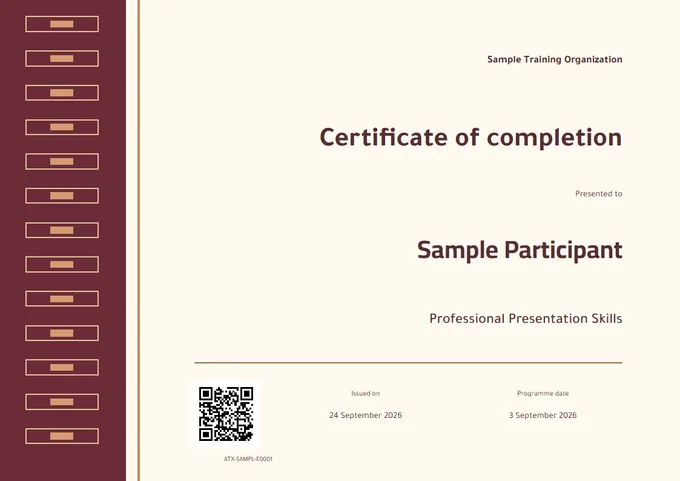
Sadu woven band 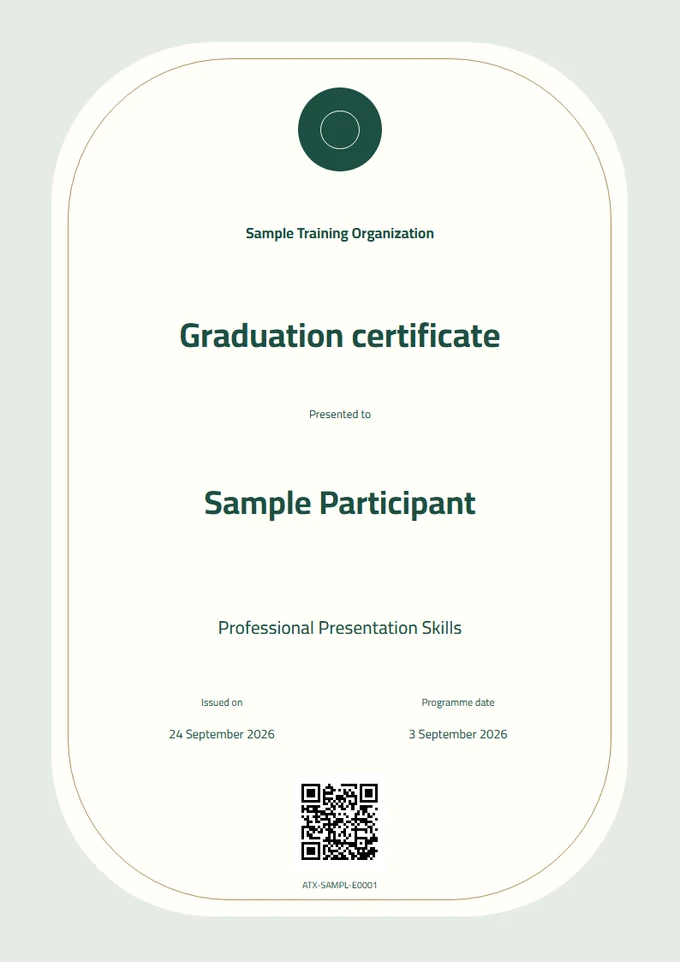
Academic arch 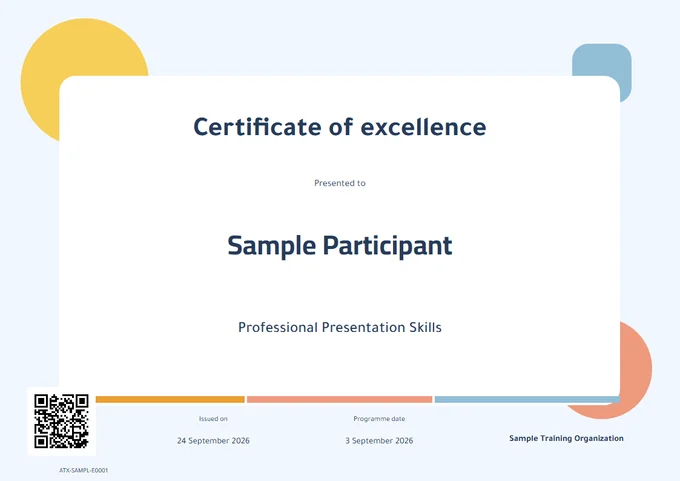
Colorful achievement 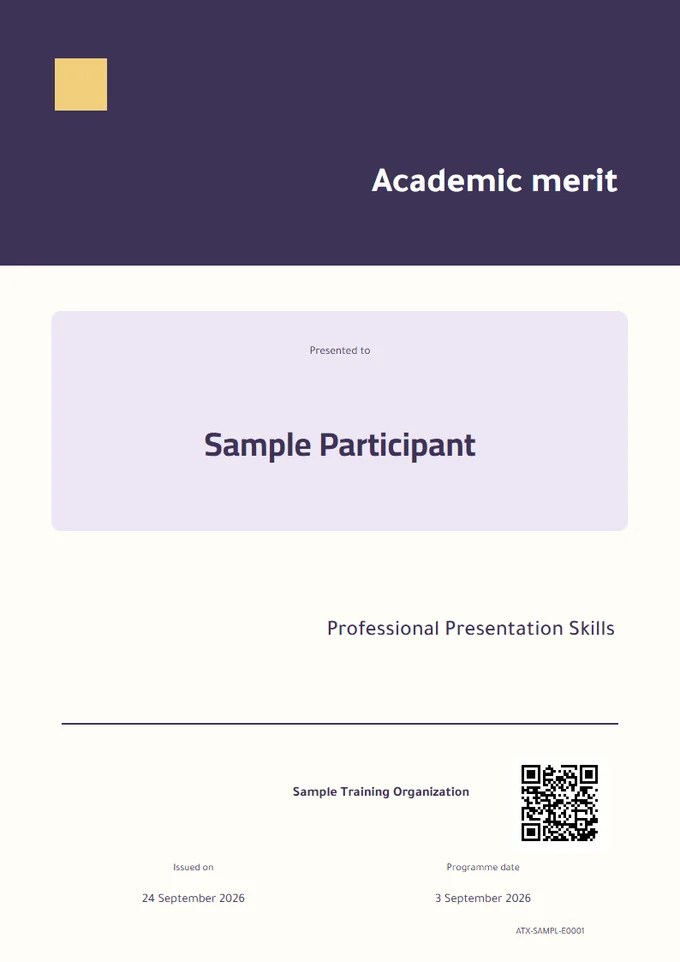
Merit color blocks 
Workshop ticket 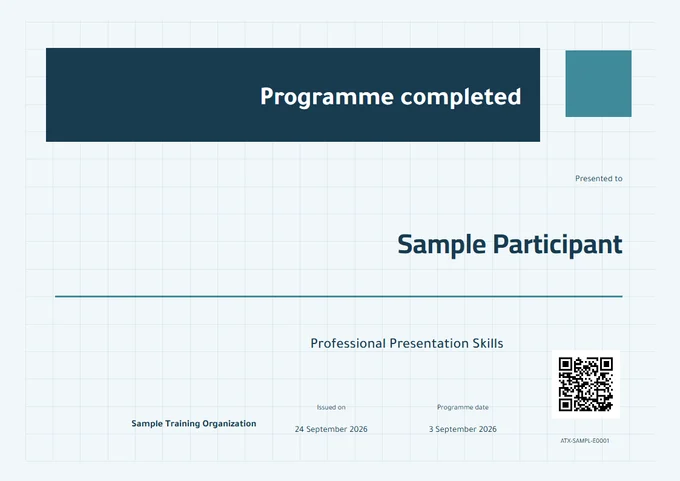
Technical blueprint 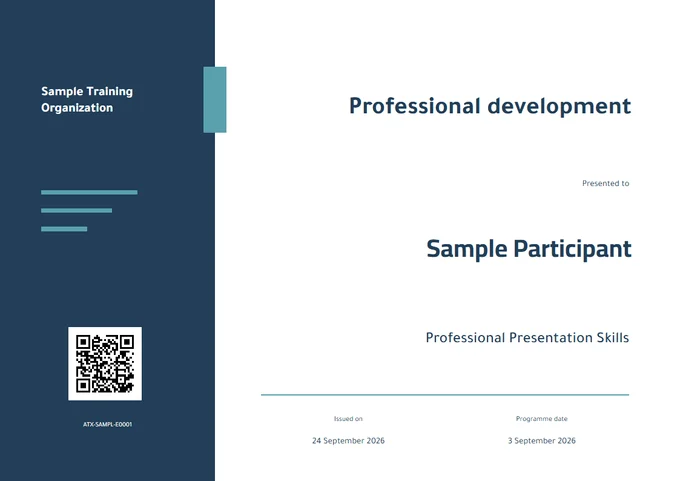
Corporate split 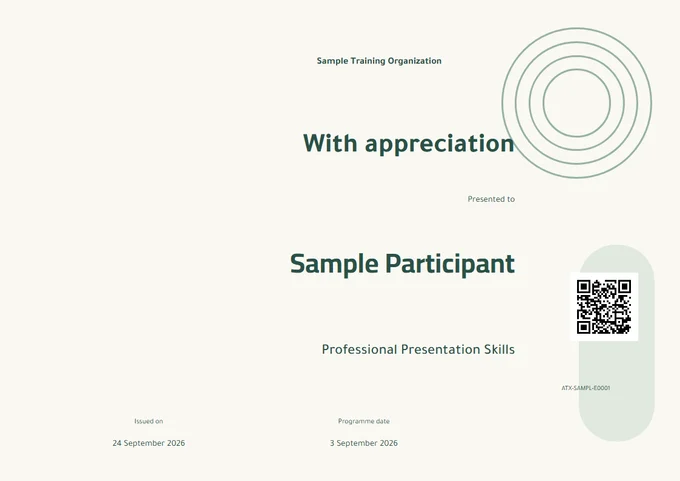
Appreciation circles 
Typographic portrait
Everything you need to manage your certificates
Check names, prepare your designs, issue certificates and follow up with recipients.
Check names before issuing certificates
Send each trainee a link to check the name that will appear on their certificate. They can suggest a correction from their phone for you to review and accept.
Add your logo and customize the design
Choose a template or upload your own background. Change the text, colors and element positions, and use Arabic and English on the same certificate.
Review the certificates before approval
Atharix checks how names fit on the design and flags anything that needs attention. Approve the certificates when you have reviewed them. Changes to names or the design require another review.
Verify a certificate by scanning its QR code
Each certificate has a page showing its issuer and current status. Open it on a phone without an account. Corrections and revocations appear on that same page.
Track certificate emails
Email certificate links to trainees who agreed to receive them. Track each message and see which deliveries need another attempt.
Share the work with your team
Add team members and choose who can prepare, review and issue certificates. Team access is available on paid plans.
Correct a name after issuing
Correct a misspelled name without issuing a new certificate. The verification link stays the same, and the change is recorded in the certificate’s history.
Download certificates and records
Download the certificate PDFs together in a ZIP file, or export certificate data as a CSV spreadsheet.
Issue 100 certificates free each year
The Free plan includes certificate design, issuance and verification. Choose a paid plan when you need more certificates or access for your team.
Common questions about Atharix
Is the Free plan a trial?
The Free plan is permanent. Your allowance of 100 certificates renews every year from your plan’s start date. Unused certificates do not carry over.
Can I correct a name after issuing?
Yes. Correcting the name creates an updated PDF at the same verification link and records the change. It does not use another certificate from your allowance.
Can a certificate be cancelled?
Yes. The organization’s owner or administrator can revoke a certificate with a reason. The verification page shows the revocation immediately.
What happens to certificates if we stop using Atharix?
Issued certificates remain verifiable under the retention terms, even after a paid plan ends.
Does issuing through Atharix accredit our course?
No. Atharix displays the certificate, its status, and its issuer. Course accreditation remains the responsibility of the relevant accreditation bodies.
Start designing your first certificate
Create a free account, choose a template and add your logo. Your plan includes 100 certificates each year, with no card required.
Illustrations and template previews use fictional sample data.